패캠_백엔드_패스_Course8_Chap5_Jenkins 실습가즈아
필기 가자
- 일단 실습 강의를 참고하여 jenkins Dockerfile을 만들어보겠다. ```sh FROM jenkins/jenkins:2.387.2 #FROM jenkins/jenkins:latest
USER root
docker in docker install
RUN apt-get update &&
apt-get -y install apt-transport-https
ca-certificates
curl
gnupg2
jq
software-properties-common &&
curl -fsSL https://download.docker.com/linux/$(. /etc/os-release; echo “$ID”)/gpg > /tmp/dkey; apt-key add /tmp/dkey &&
add-apt-repository
“deb [arch=arm64] https://download.docker.com/linux/$(. /etc/os-release; echo “$ID”)
$(lsb_release -cs)
stable” &&
apt-get update &&
apt-get -y install docker-ce
RUN groupadd -f docker RUN usermod -aG docker jenkins
#aws cli install
RUN curl “https://awscli.amazonaws.com/awscli-exe-linux-x86_64.zip” -o “awscliv2.zip”
RUN curl “https://awscli.amazonaws.com/awscli-exe-linux-aarch64.zip” -o “awscliv2.zip” RUN unzip awscliv2.zip RUN ./aws/install
LABEL maintainer=”dongseok.lee.log@gmail.com” ENV JENKINS_USER admin ENV JENKINS_PASS admin ENV JAVA_OPTS -Djenkins.install.runSetupWizard=true RUN jenkins-plugin-cli
–plugins
git
workflow-aggregator
blueocean
docker-plugin
docker-workflow
ant
gradle
pipeline-aws
pipeline-build-step
pipeline-github-lib
pipeline-rest-api
pipeline-stage-view
timestamper
aws-credentials
file-operations
branch-api
workflow-support
pam-auth
ldap
email-ext
matrix-auth
ws-cleanup
resource-disposer
antisamy-markup-formatter
build-timeout
nodejs
slack:664.vc9a_90f8b_c24a_ ```
- aws cli 부분을 수정 필요.
- 젠킨스 버전 수정.
# docker buildx build –platform linux/amd64,linux/arm64 -t webapp:v2 .
docker buildx build –platform
docker run –name jenkins -d
-v /var/run/docker.sock:/var/run/docker.sock
-p 80:8080 jenkins-cli
docker run –name jenkins -d
-v ~/.docker/run/docker.sock:/var/run/docker.sock
-p 81:8080 jenkins-ci
docker run –name jenkins2 -d
-v /var/run/docker.sock:/var/run/docker.sock
-p 80:8080 jenkins-cli:v2
실습1 pectric 완.
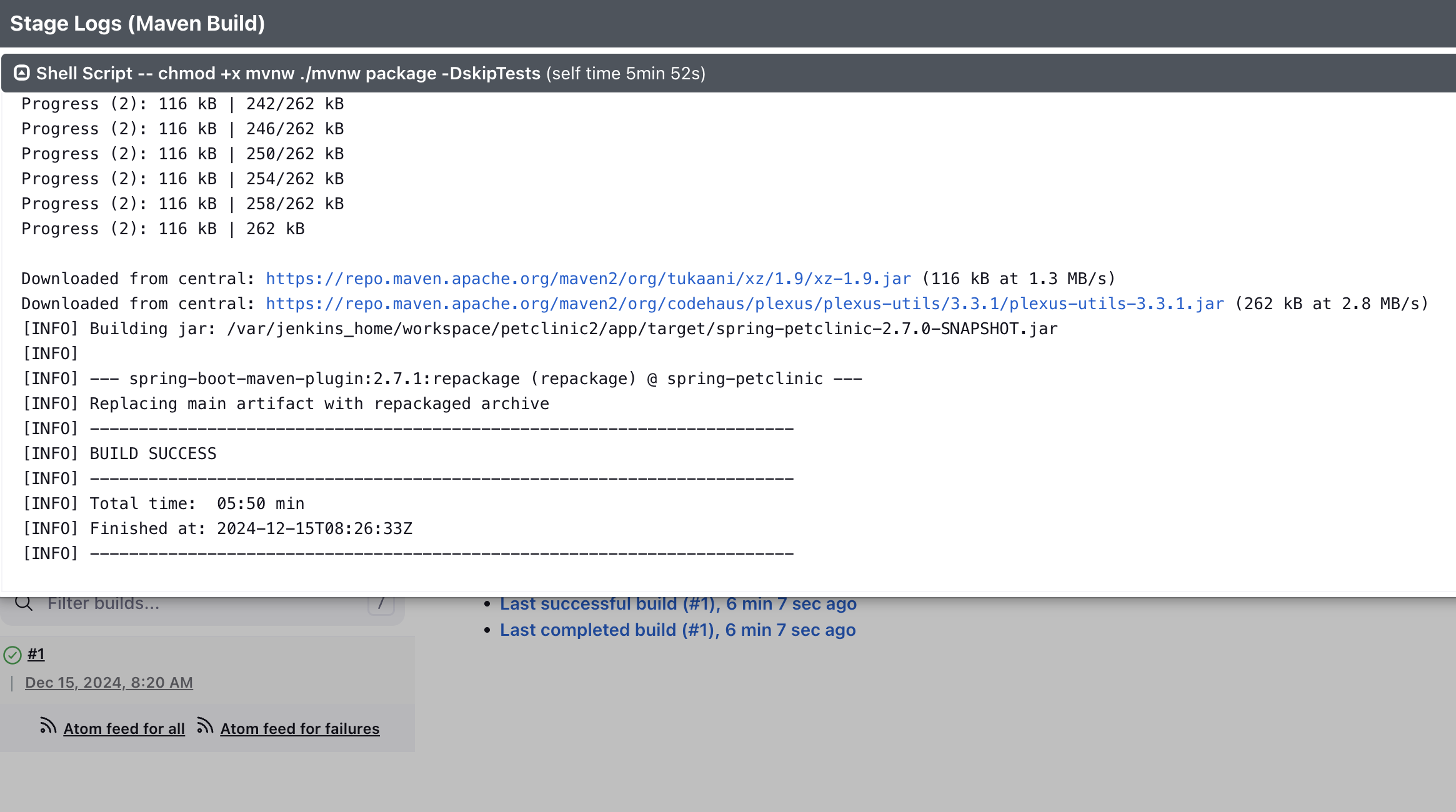
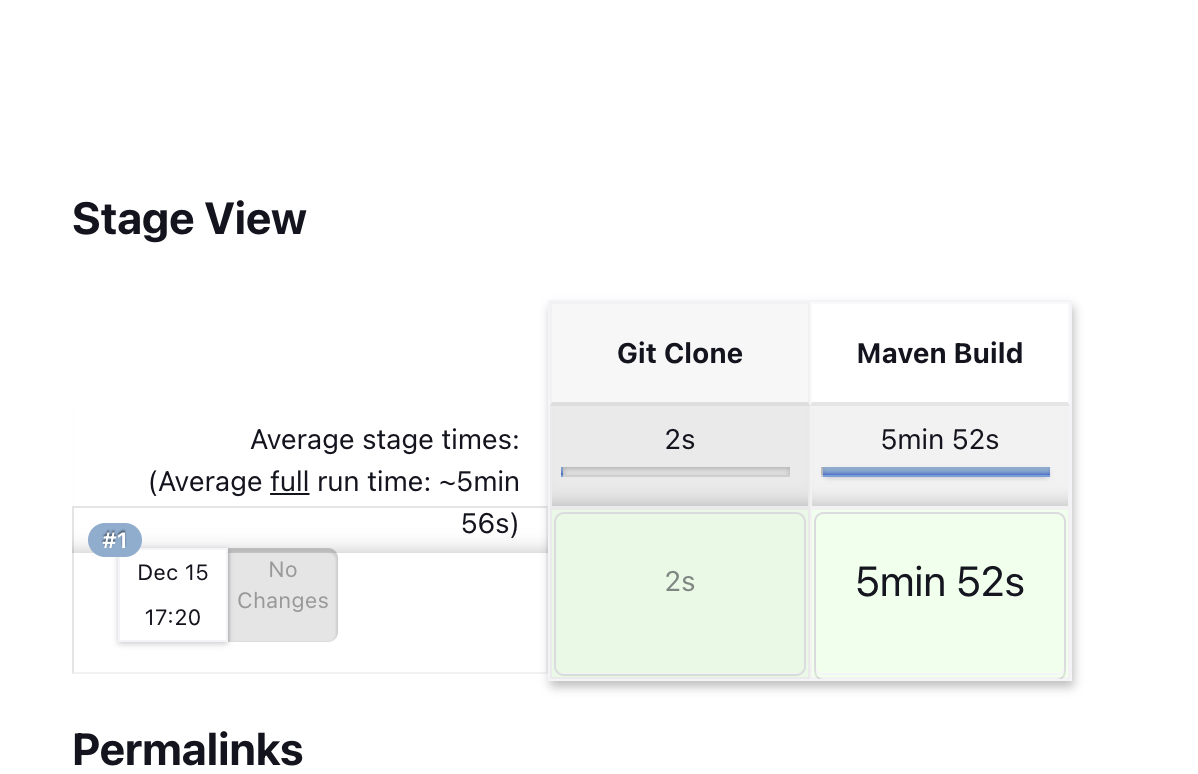
- 일단 여기까지 완료.